
150+ Best Website Directories to Submit Your Site
Discover over 150 trusted website directories to submit your website, improve online visibility, build quality…
Read ArticleExplore powerful website audit tools to analyze SEO, page speed, broken links, technical issues, mobile usability, security, and overall website health.
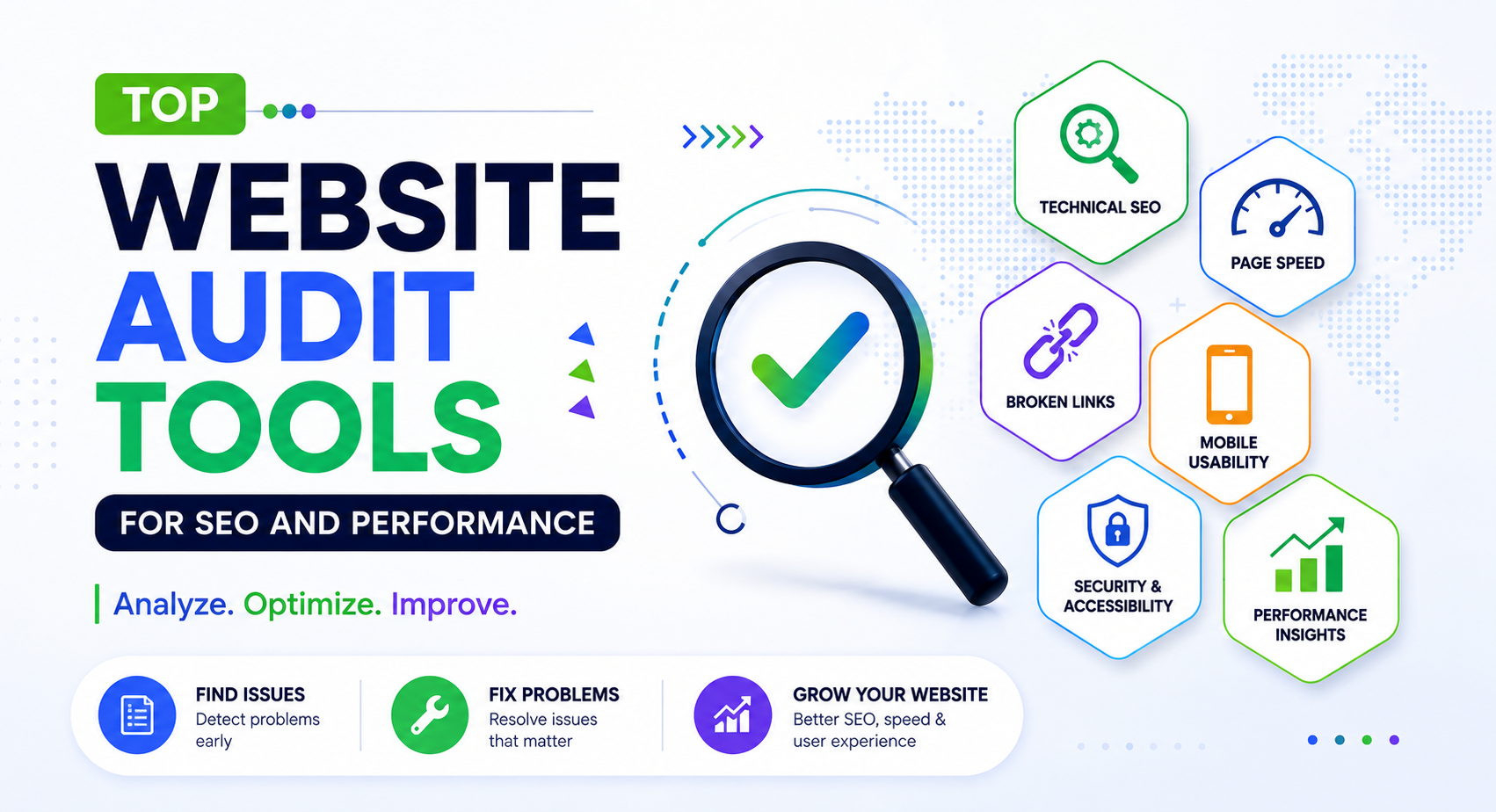
Keeping a website healthy requires more than publishing new content. Technical problems, slow pages, broken links, indexing issues, and SEO mistakes can affect how visitors use your site and how search engines understand it.
Website audit tools make it easier to find these problems. They can analyze different parts of a website and provide useful information about SEO, performance, accessibility, mobile usability, technical issues, and more.
In this guide, we’ll look at some of the top website audit tools that can help website owners, developers, marketers, and SEO professionals identify problems and find areas for improvement.
A website audit is a detailed review of a website to identify technical, SEO, performance, usability, and other issues that may affect the site.
An audit can examine individual pages or an entire website. Depending on the tool, the report may include information about page speed, broken links, metadata, indexing, mobile usability, accessibility, security, and other website factors.
Regular audits can help you discover problems that may otherwise be difficult to notice during normal website maintenance.
Even a well-maintained website can develop problems over time. New plugins, theme changes, deleted pages, redirects, large images, code updates, and content changes can introduce issues.
A website audit can help you:
Auditing your website doesn’t mean every reported issue needs to be fixed immediately. Some recommendations may have a much greater impact than others, so prioritize problems based on their importance and potential effect on visitors.
Different tools check different parts of a website. A comprehensive audit usually looks at several areas rather than focusing on only one metric.
SEO audits can check elements such as page titles, meta descriptions, headings, canonical URLs, indexability, internal links, redirects, and other technical SEO factors.
Performance tools can measure loading behavior and identify resources or page elements that may contribute to slower pages.
Broken internal and external links can create a poor experience for visitors. Link-checking tools can help locate links that return errors or point to unavailable pages.
A website should work properly on different screen sizes. Auditing tools can help identify layout, usability, or performance problems that may affect visitors using mobile devices.
Accessibility checks can identify potential problems that make websites more difficult to use for people with disabilities. These may include issues with contrast, alternative text, page structure, labels, and keyboard navigation.
Technical audits can reveal problems involving redirects, duplicate pages, crawlability, status codes, metadata, internal linking, and other website infrastructure.
Official Website:
https://search.google.com/search-console/
Best For: Search performance, indexing, search visibility, and technical SEO information.
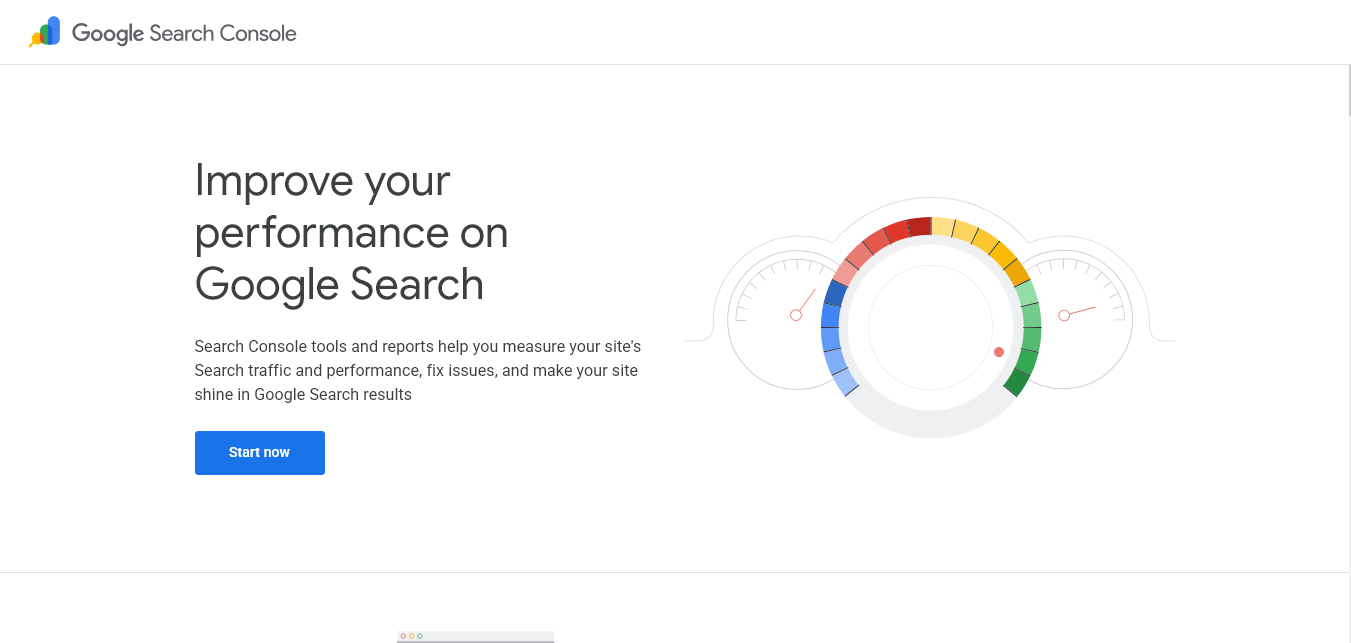
Google Search Console is one of the most useful free tools for website owners. It provides information about how a website appears in Google Search and can help identify indexing and search-related issues.
You can use Search Console to review search queries, pages receiving traffic from Google Search, indexing information, and certain technical issues affecting your website.
Pricing: Free
Official Website:
https://pagespeed.web.dev/
Best For: Website performance and page speed analysis.
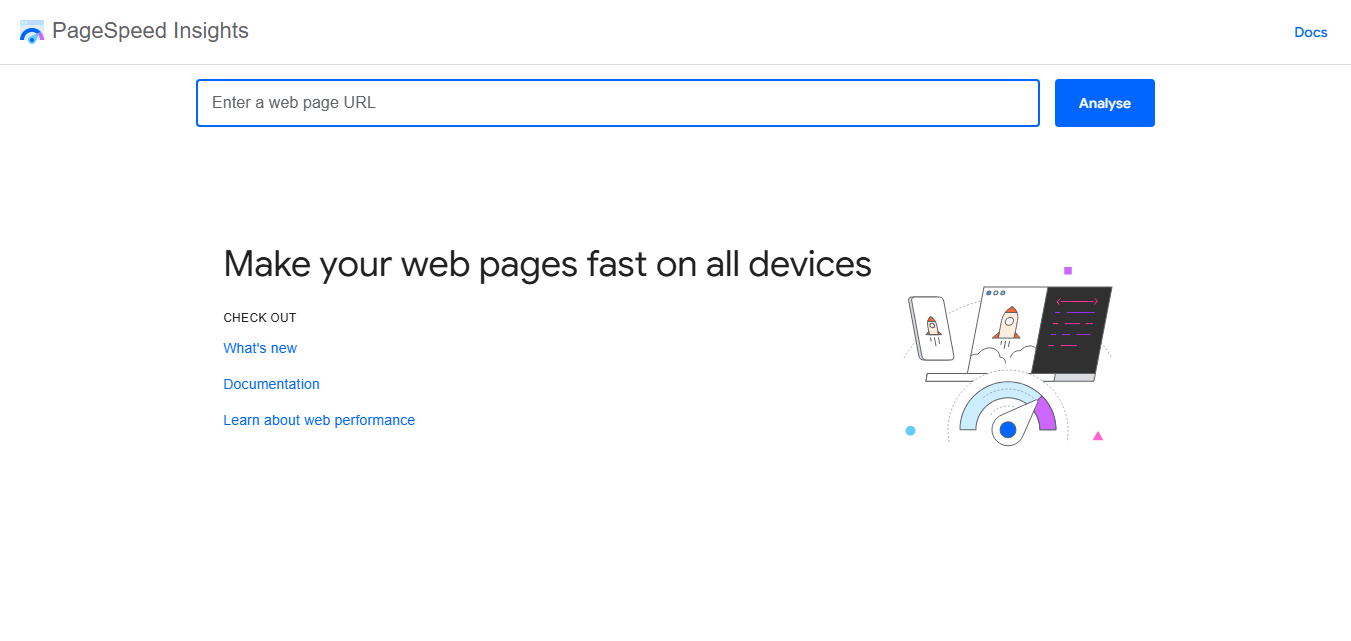
Google PageSpeed Insights analyzes the performance of individual web pages and provides recommendations for improving loading performance. It provides separate information for mobile and desktop experiences.
The tool uses data from both real-user experiences where available and laboratory analysis to provide performance information. It can be useful when investigating why a particular page feels slow or identifying resources that may need optimization.
Pricing: Free
Official Website:
https://developer.chrome.com/docs/lighthouse/
Best For: Performance, accessibility, SEO, and website quality checks.
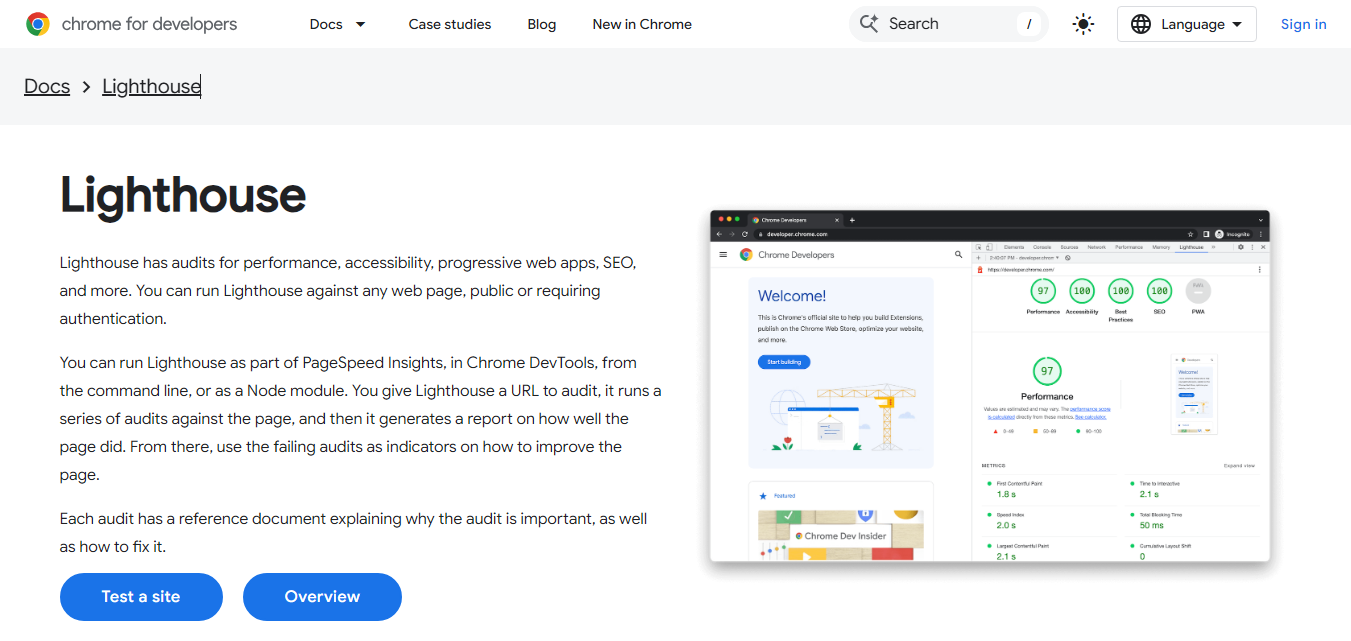
Lighthouse is an open-source tool for improving the quality of web pages. It can audit pages for performance, accessibility, SEO, and other aspects of web development.
Lighthouse is available through Chrome DevTools and can also be used through other development workflows. It is particularly useful for developers who want a detailed technical report while working on a website.
Pricing: Free
Official Website:
https://gtmetrix.com/
Best For: Website speed testing and performance analysis.
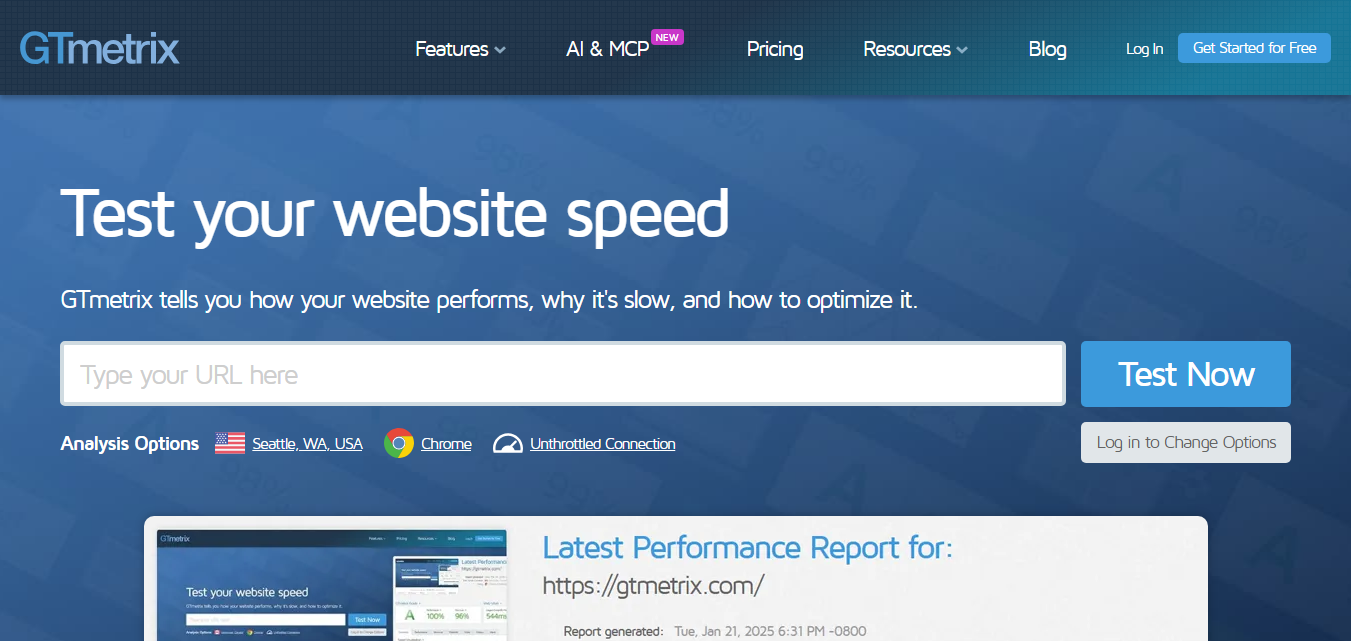
GTmetrix is a website performance testing service that provides reports about how web pages load. It can help identify performance bottlenecks and resources that may be slowing down a page.
The service provides performance information and visual details that can help developers and website owners understand how a page behaves during loading.
Pricing: Free & Paid Plans
Official Website:
https://ahrefs.com/webmaster-tools
Best For: Technical SEO audits, website health, and backlink analysis.
Ahrefs Webmaster Tools provides website owners with useful information about the SEO health of their websites. After verifying a website, you can run an audit to discover technical SEO issues and review important areas that may need attention.
The tool is also useful for examining backlinks pointing to your website. This makes it a practical option for website owners who want to combine technical SEO checks with backlink information.
Pricing: Free for verified websites
Official Website:
https://www.semrush.com/siteaudit/
Best For: Technical SEO audits and large website analysis.
Semrush Site Audit is a technical SEO auditing tool that crawls websites and identifies different types of issues that may affect search performance and website health.
It can help website owners find broken links, crawlability problems, duplicate content issues, metadata problems, and other technical SEO concerns. The reports can then be used to prioritize areas that need attention.
Pricing: Free & Paid Plans
Official Website:
https://www.screamingfrog.co.uk/seo-spider/
Best For: Technical SEO crawling and detailed website analysis.
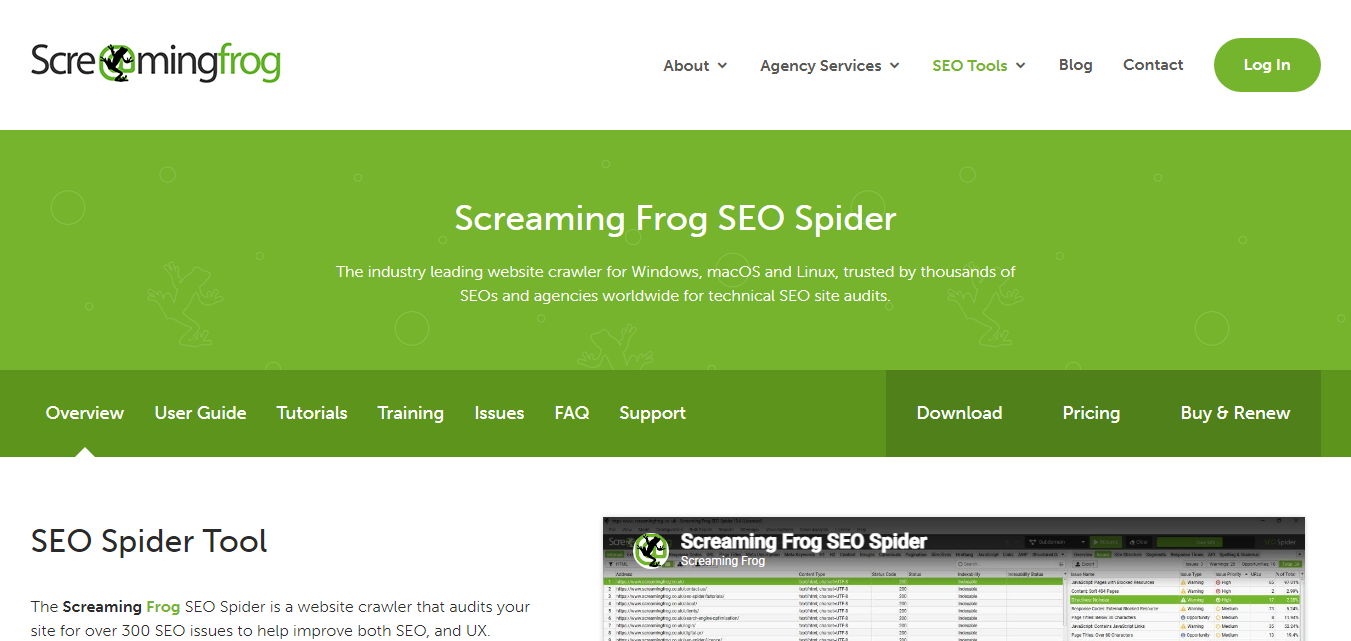
Screaming Frog SEO Spider is a desktop website crawler designed for technical SEO analysis. It can crawl websites and collect information about URLs, page titles, meta descriptions, headings, links, redirects, images, and other elements.
It is especially useful for developers and experienced SEO professionals who need detailed information about how a website is structured.
Pricing: Free & Paid Plans
Official Website:
https://www.bing.com/webmasters/
Best For: Bing search performance, indexing, and website SEO monitoring.
Bing Webmaster Tools provides website owners with tools for monitoring their websites in Bing Search. It includes information about search performance, indexing, crawling, and SEO-related issues.
Even if Google is your primary search engine, Bing Webmaster Tools can provide another source of search performance information and technical recommendations.
Pricing: Free
Official Website:
https://www.webpagetest.org/
Best For: Detailed website performance testing and page loading analysis.
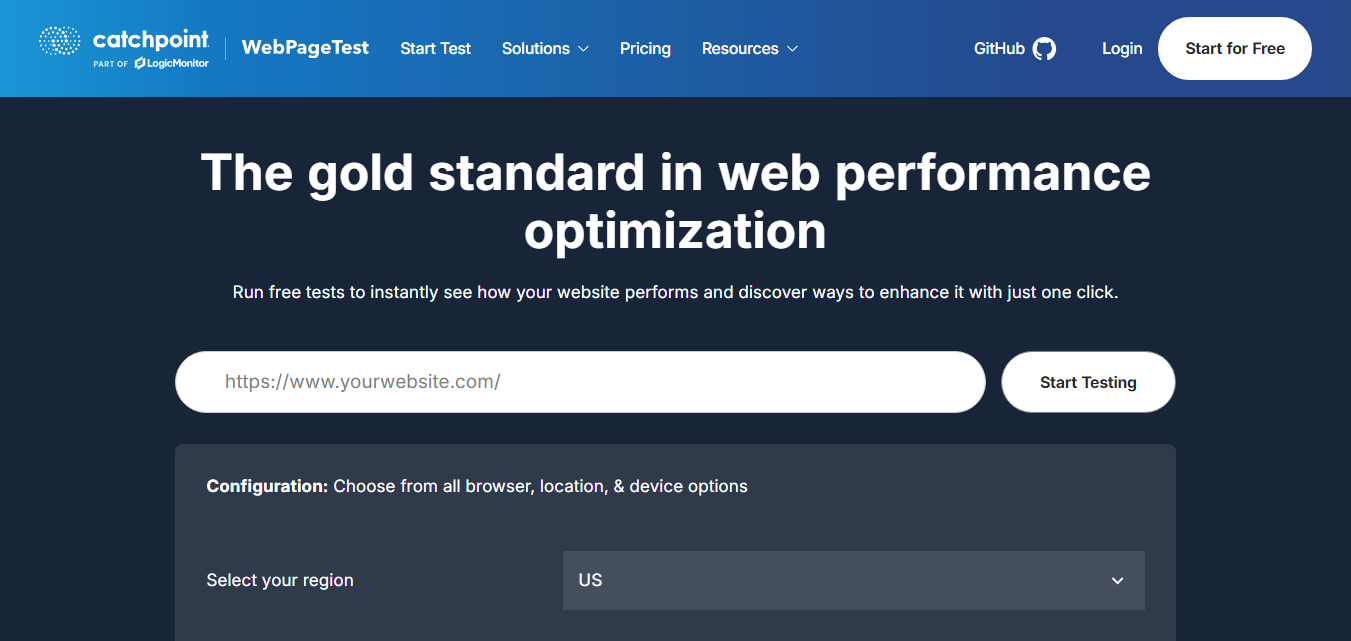
WebPageTest is a performance testing tool that provides detailed information about how a web page loads. It allows users to test websites under different conditions and examine individual resources involved in the loading process.
The tool is particularly useful for developers and performance-focused website owners who need more detailed information than a simple overall speed score.
Pricing: Free
Official Website:
https://seositecheckup.com/
Best For: Quick SEO checks and website analysis.
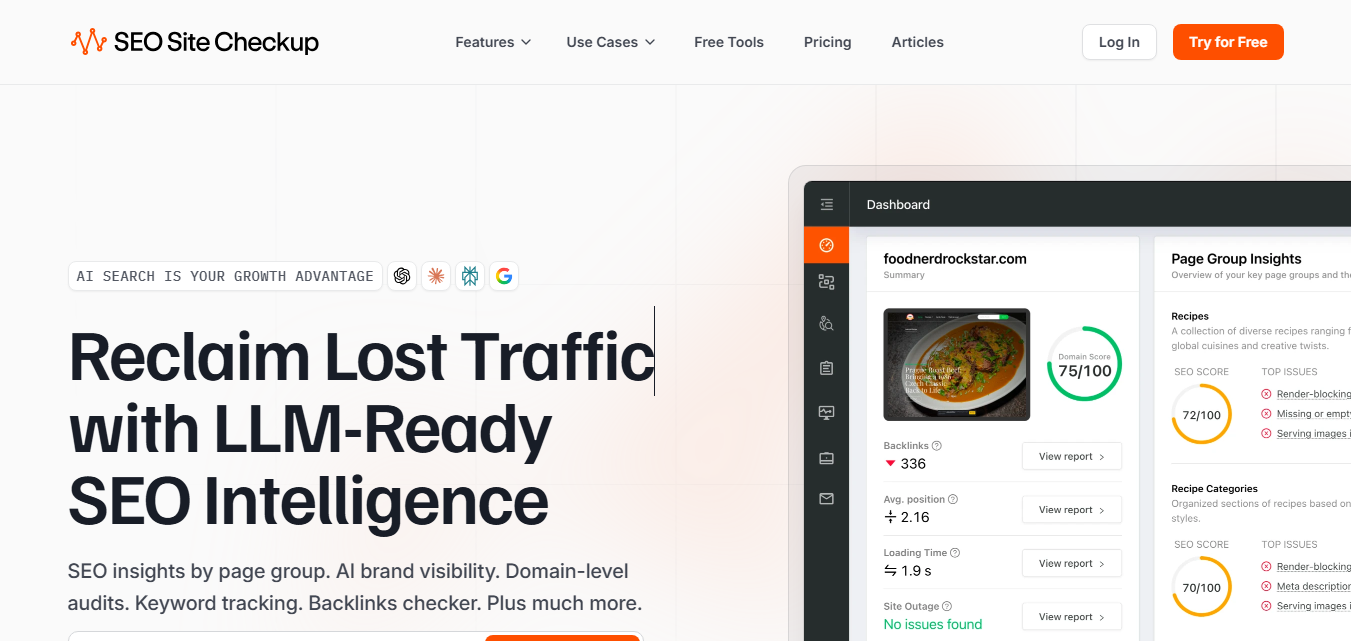
SEO Site Checkup provides a collection of tools for analyzing different SEO aspects of a website. It can help identify common optimization issues and provide recommendations that website owners can review.
The service is designed to make SEO analysis easier for users who want a straightforward overview of potential problems without performing a manual audit.
Pricing: Free & Paid Plans
No single website audit tool checks everything. Each platform uses different tests, data sources, and reporting methods, so using a combination of tools can provide a more complete picture of your website.
For example, Google Search Console can help you understand how Google sees your website, while PageSpeed Insights focuses on page performance. A crawler such as Screaming Frog can provide a deeper look at your site’s URLs, links, metadata, and technical structure.
Using the right combination depends on the size and purpose of your website. A small website may only need a few free tools, while a large site may benefit from more advanced crawling and monitoring solutions.
Official Website:
https://www.seobility.net/
Best For: Website SEO audits, technical SEO, and optimization monitoring.
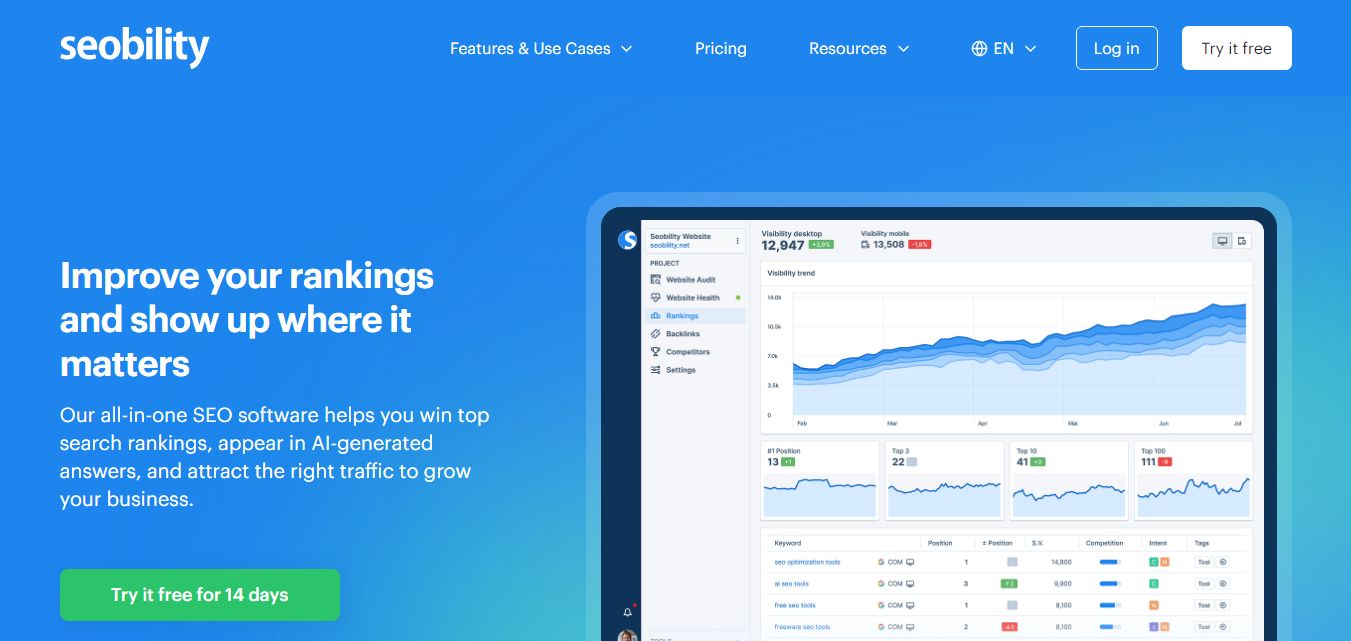
Seobility is an SEO platform that provides website auditing and optimization tools. Its website crawler can analyze pages and identify common technical and on-page SEO issues.
The platform can be useful for website owners who want an easy way to monitor important SEO factors and understand which areas of their website may need improvement.
Pricing: Free & Paid Plans
Official Website:
https://sitechecker.pro/
Best For: Website audits, technical SEO, and website monitoring.
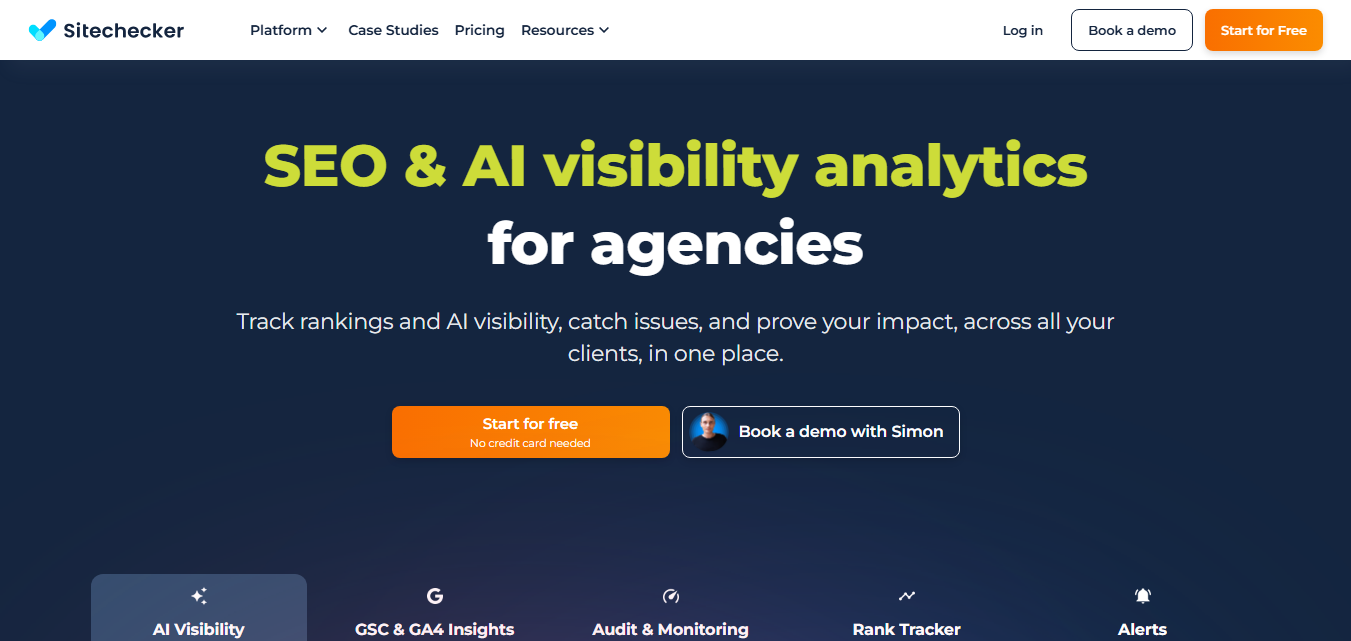
Sitechecker provides tools for auditing websites and monitoring SEO performance. Its website audit can help identify technical problems and on-page SEO issues that may require attention.
The platform is designed to make SEO monitoring easier by bringing different website analysis features together in one interface.
Pricing: Free & Paid Plans
Official Website:
https://www.woorank.com/
Best For: Website reviews, SEO analysis, and digital marketing audits.
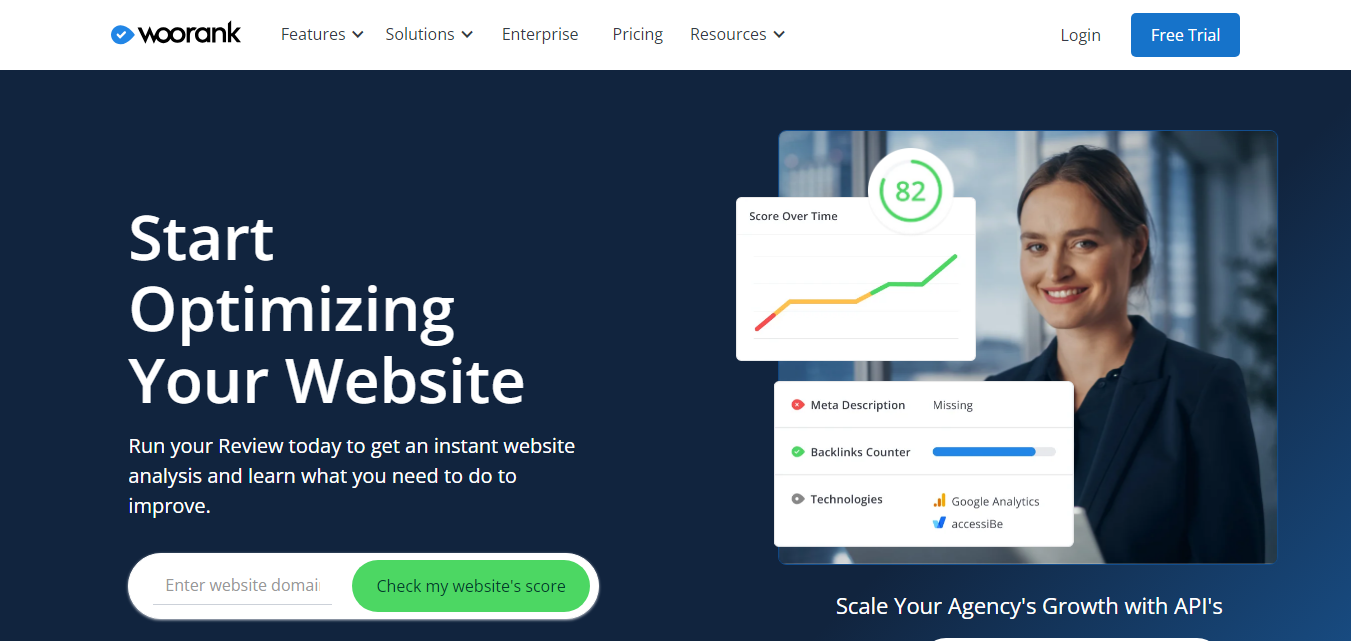
Woorank provides website analysis and SEO tools that can help businesses evaluate their online presence. Its website review features provide information about different aspects of a site and highlight areas that may require optimization.
It can be useful for marketers, agencies, and website owners who want a simplified overview of SEO and website performance factors.
Pricing: Free Trial & Paid Plans
Official Website:
https://www.deadlinkchecker.com/
Best For: Finding broken and dead links.
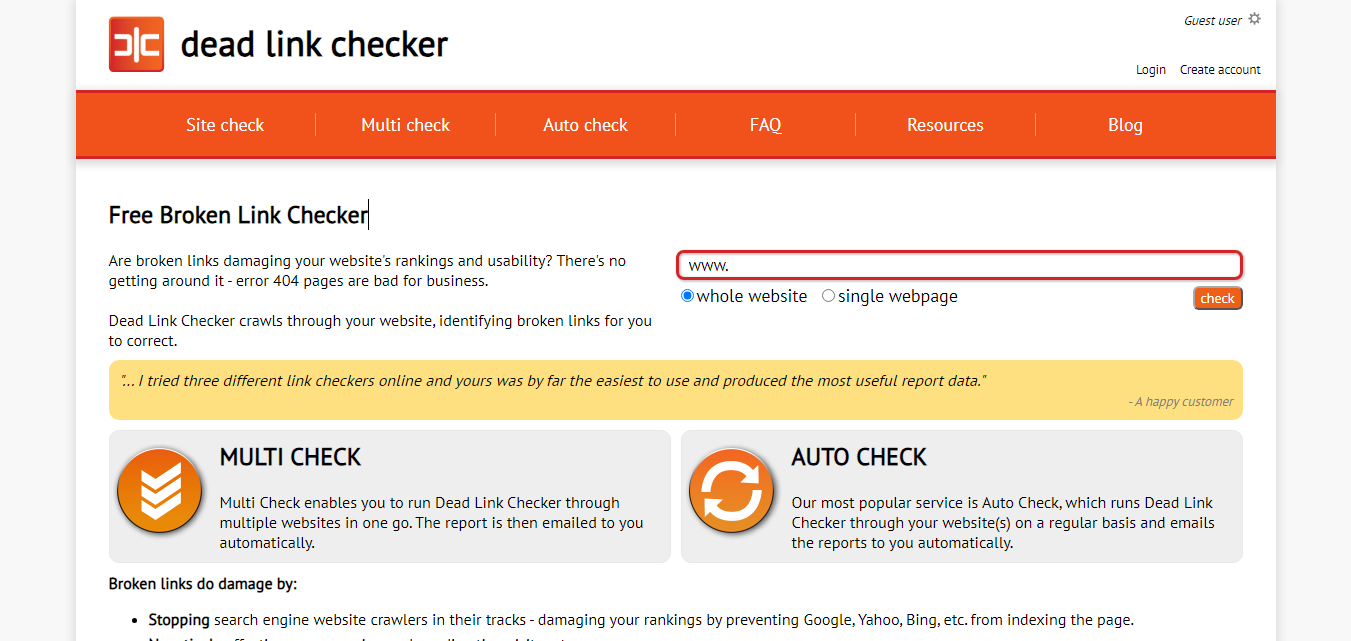
Dead Link Checker is a simple online tool for checking websites for links that no longer work. Broken links can occur when pages are deleted, URLs change, or external websites remove content.
Regularly checking important pages can help website owners find links that need to be updated or removed.
Pricing: Free
Official Website:
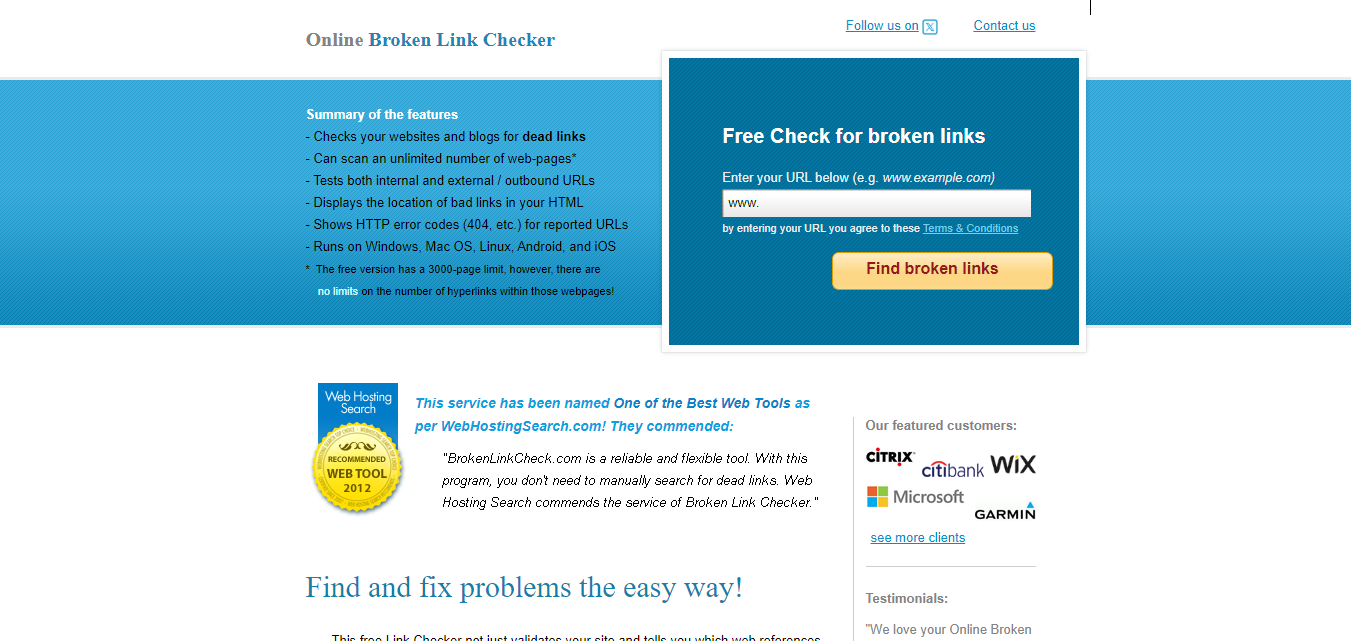
https://brokenlinkcheck.com/
Best For: Finding broken links on websites.
Broken Link Check is another straightforward online service for identifying broken links. It can crawl a website and help locate links that return errors or are no longer available.
This type of tool can be useful during routine website maintenance, particularly after moving pages, changing URLs, or updating older content.
Pricing: Free
The tools in this list are designed for different types of website analysis. You don’t necessarily need to use all of them.
Start with the tools that match your immediate problem. For example, if your website feels slow, begin with performance testing. If pages aren’t appearing in Google Search, start with Search Console. If you’re dealing with a large website containing thousands of URLs, a crawler can provide a more detailed technical overview.
If you’re new to website auditing, you don’t need to purchase an expensive SEO platform immediately. Several free tools can provide useful information about important areas of your website.
A simple starting combination is Google Search Console for search and indexing information, PageSpeed Insights for performance, Lighthouse for page-level quality checks, and a broken-link checker for finding unavailable links.
Once you understand the main problems affecting your website, you can decide whether you need a more advanced paid auditing platform.
A website audit doesn’t have to be complicated. You can start with a few important checks and gradually review more areas as needed.
For larger websites, consider keeping a record of important issues and fixes. This makes it easier to track improvements and identify recurring problems.
Use this simple checklist when reviewing your website:
Website audits can uncover many different problems. Some are technical, while others are related to content, performance, or usability.
A page may contain links to URLs that no longer exist. Finding and updating these links can improve website maintenance and user experience.
Large images, unnecessary scripts, third-party resources, and other factors can contribute to slower page loading. Performance tools can help identify areas that need investigation.
Some pages may have missing or poorly written titles and meta descriptions. Reviewing important pages can help ensure that their basic SEO information is properly maintained.
A page may not appear in search results for several reasons. Search engine webmaster tools can help website owners investigate crawling and indexing information.
Layouts that work well on a desktop screen may not always work properly on smaller devices. Testing pages at different screen sizes can reveal usability problems.
Large websites can sometimes contain multiple URLs with very similar or duplicate content. An audit can help identify these situations so they can be reviewed and handled appropriately.
Free tools can be enough for many small websites. Google Search Console, PageSpeed Insights, Lighthouse, Bing Webmaster Tools, and several link-checking tools provide useful information without requiring a paid subscription.
Paid platforms generally provide additional features such as larger crawls, automated monitoring, advanced reporting, keyword tracking, backlink analysis, competitor research, and agency-focused features.
The right choice depends on your website size and requirements. A small business website may not need an expensive SEO platform, while a large website or SEO agency may benefit from advanced crawling and reporting features.
There is no single schedule that works for every website. The frequency depends on how often the site changes, how large it is, and how important search traffic is to the business.
A small website can perform a basic review every few months and after major changes. Larger websites with frequent content, product, or technical updates may benefit from more regular monitoring.
You should also consider running an audit after major website changes such as a redesign, migration, domain change, URL restructuring, or significant theme and plugin updates.
There isn’t one tool that is best for every website. Google Search Console is useful for search and indexing information, PageSpeed Insights is useful for performance, and tools such as Screaming Frog, Ahrefs Webmaster Tools, and Semrush can provide broader technical SEO analysis.
Many website audit tools offer free features or free versions. Google Search Console, PageSpeed Insights, Lighthouse, Bing Webmaster Tools, and WebPageTest are examples of tools that can be used without a paid subscription.
An audit itself does not improve SEO. It helps you identify potential problems and opportunities. The actual improvement comes from correctly analyzing the findings and making appropriate changes to the website.
The time required depends on the size and complexity of the website. A small website can be checked quickly, while a large website with thousands of URLs may require considerably more time to crawl, analyze, and review.
Yes. Several tools provide simple reports and recommendations that can help beginners identify common issues. More advanced technical problems may require assistance from a developer or experienced SEO professional.
Using more than one tool can be helpful because different platforms examine different aspects of a website. Combining search data, performance testing, technical crawling, and link checking can provide a broader view of website health.
Regular website audits can help you discover technical problems, SEO issues, performance concerns, broken links, and usability problems before they become bigger challenges.
You don’t need to use every audit tool available. Start with a few reliable tools that match your website and your goals. For example, Google Search Console can help with search and indexing information, while PageSpeed Insights can help you investigate page performance.
For larger or more technically complex websites, dedicated crawling and SEO platforms can provide deeper analysis and more detailed reporting.
The most important part of an audit is not the report itself. It’s deciding which findings matter, fixing the right problems, and checking the website again after making significant changes.
By making website auditing part of your regular maintenance process, you can keep your site healthier, easier to use, and easier to manage over time.
Explore more articles on web design, development and SEO.
Discover over 150 trusted website directories to submit your website, improve online visibility, build quality…
Read Article
Discover the best free online tools for productivity, design, SEO, writing, development, marketing, file conversion,…
Read Article
Compare the top AI tools for business, productivity, writing, coding, design, marketing, and customer support…
Read Article