
Best Startup Directories to Promote Your Business
Explore top startup directories where you can list and promote your business, reach new audiences,…
Read ArticleFind free SEO tools to research keywords, analyze technical issues, improve website performance, optimize content, and monitor search visibility.
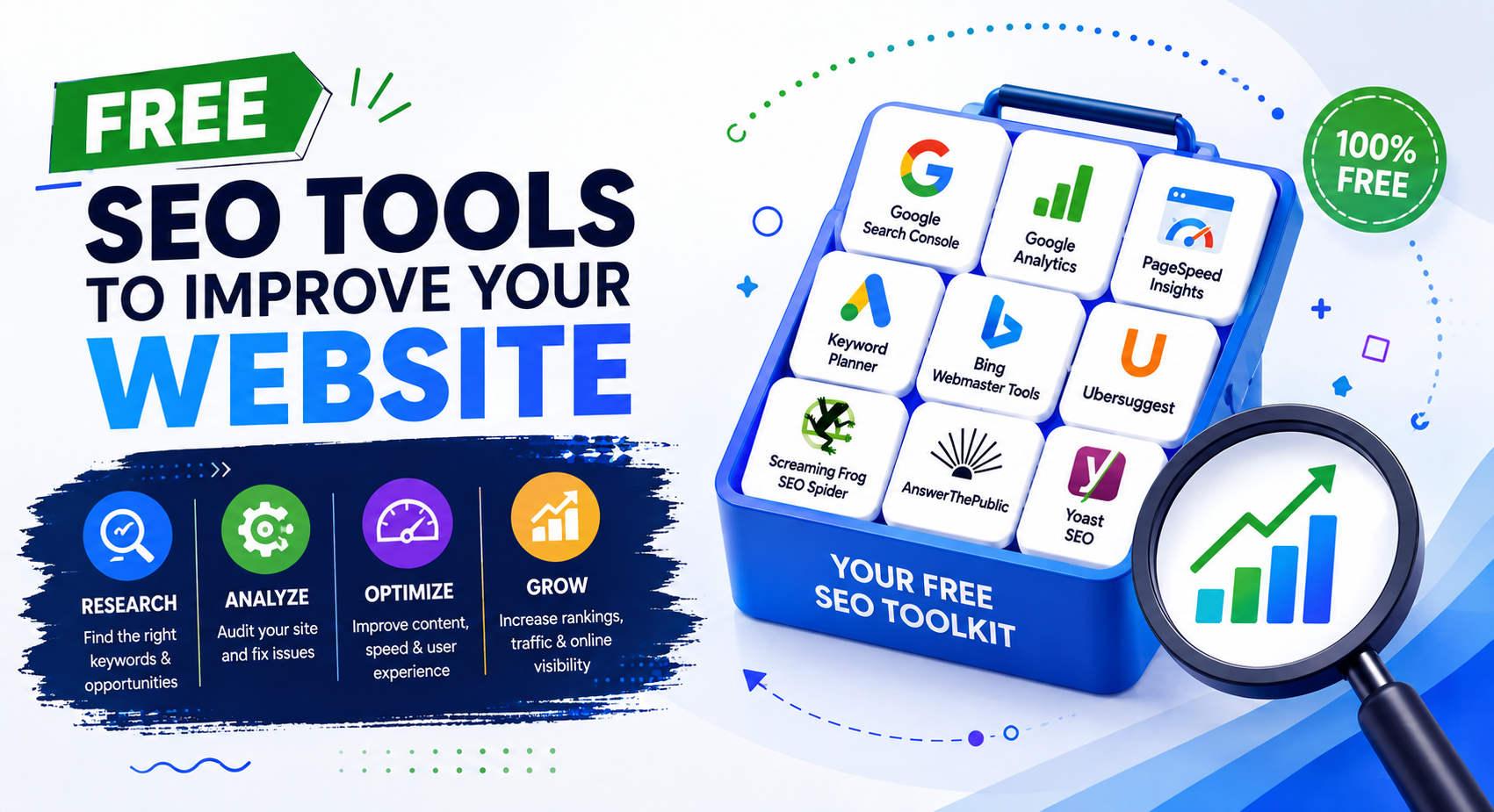
Improving your website’s search visibility doesn’t always require expensive SEO software. Many free SEO tools can help you understand how search engines see your website, research keywords, check technical issues, analyze performance, and find opportunities for improvement.
Whether you’re managing a small business website, blog, online store, or personal project, the right free tools can provide useful information for making better SEO decisions.
In this guide, we’ll explore free SEO tools for keyword research, technical SEO, website performance, backlinks, content optimization, search visibility, and other important areas of website optimization.
SEO tools are online services and software that help website owners and marketers understand and improve a website’s visibility in search engines.
Different tools focus on different areas of SEO. Some help you research keywords, while others analyze website performance, technical issues, backlinks, content, indexing, or search traffic.
You don’t need to use every SEO tool available. The most useful approach is to choose tools based on what you are trying to improve on your website.
SEO involves many different factors, and it can be difficult to identify problems by looking at a website manually. SEO tools can make this process easier by providing data, reports, and recommendations.
Free SEO tools can help you:
SEO tools don’t replace good content or a useful website. Instead, they provide information that can help you make better decisions about your website and SEO strategy.
Official Website:
https://search.google.com/search-console/
Best For: Search performance, indexing, and understanding how Google Search sees your website.
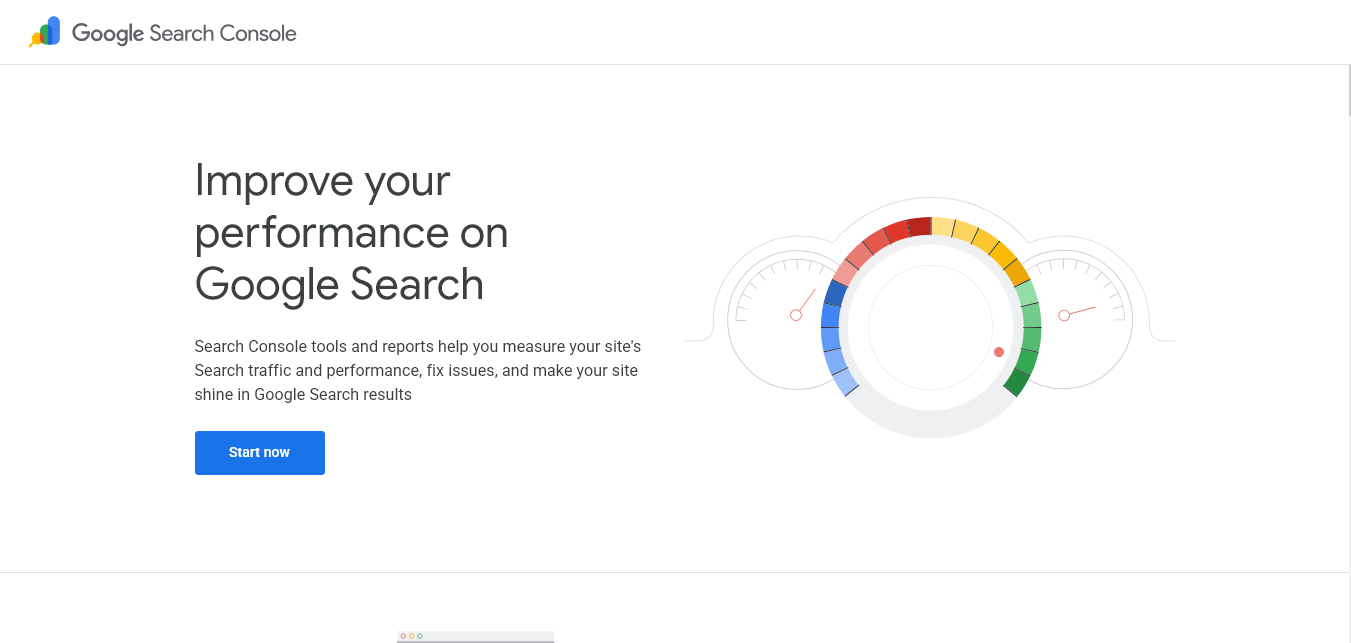
Google Search Console is one of the most useful free SEO tools for website owners. It provides information about your website’s performance in Google Search and helps you understand which queries and pages are generating search visibility.
You can also use Search Console to check indexing information, inspect individual URLs, submit sitemaps, monitor certain website issues, and review search performance data.
Because the information comes directly from Google’s search systems, Search Console is particularly useful when you want to understand how Google is finding, crawling, and displaying your website.
Pricing: Free
Official Website:
https://analytics.google.com/
Best For: Understanding website visitors and user behavior.
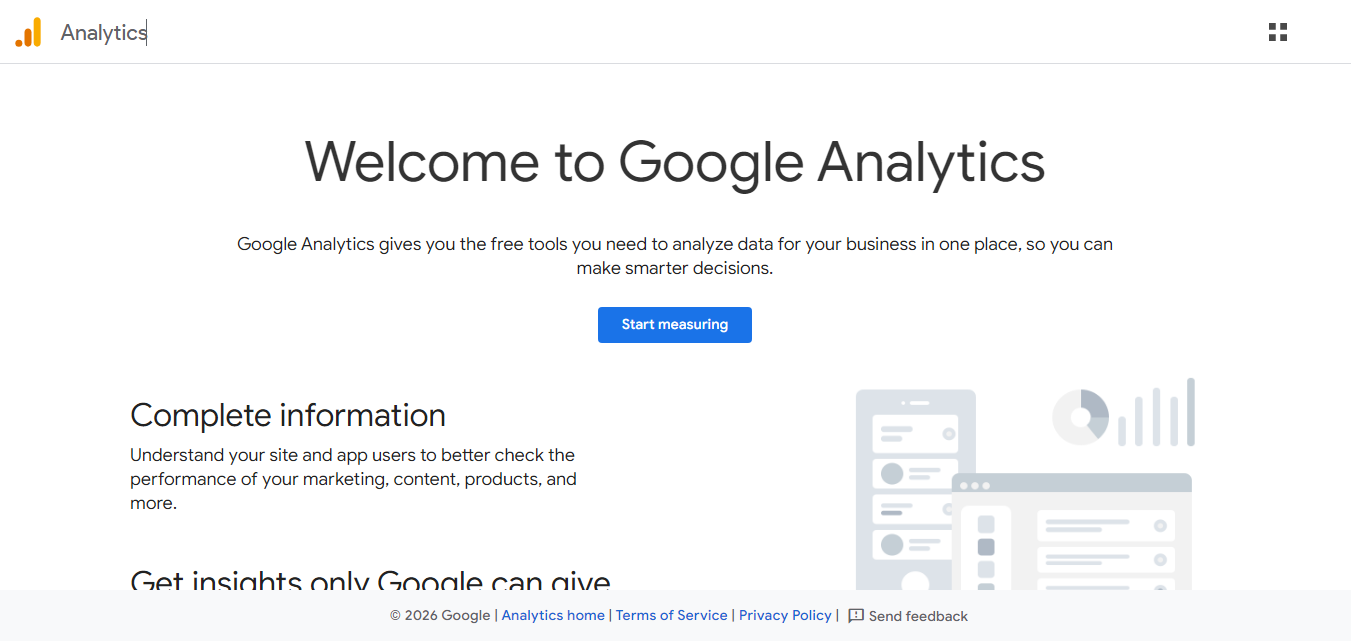
Google Analytics helps website owners understand how visitors interact with their websites. While it is not an SEO auditing tool by itself, the information it provides can be useful when evaluating the results of your SEO efforts.
You can use analytics data to understand where visitors come from, which pages they visit, how they interact with your website, and which pages contribute to important actions.
Combining website analytics with Search Console data can give you a broader understanding of both search visibility and visitor behavior.
Pricing: Free standard version
Official Website:
https://ads.google.com/home/tools/keyword-planner/
Best For: Keyword research and discovering search terms.
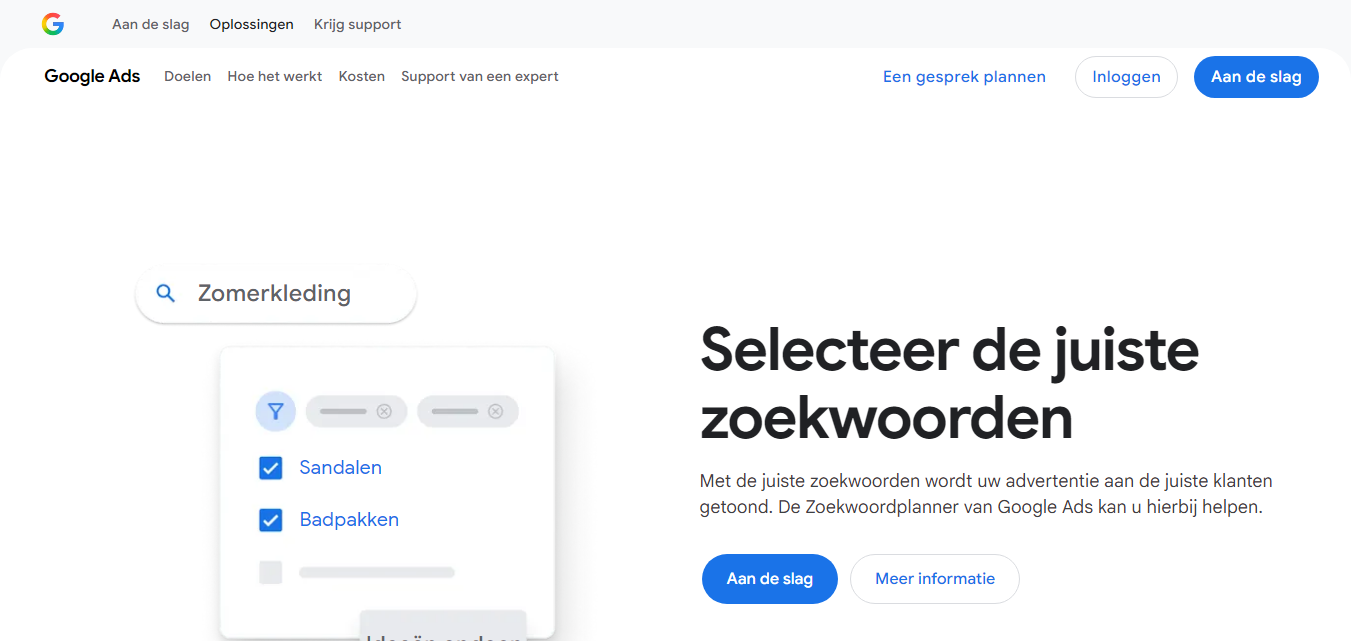
Google Keyword Planner is a useful tool for researching keywords and finding search terms related to your products, services, or content topics.
You can use it to discover related keyword ideas and explore search volume information. Although the tool is part of Google Ads, the keyword research data can also help when planning organic SEO content.
Instead of choosing keywords simply because they have high search volume, compare related terms and consider whether they match the actual purpose of your page.
Pricing: Free with a Google Ads account
Official Website:
https://trends.google.com/
Best For: Discovering search trends and comparing topics.
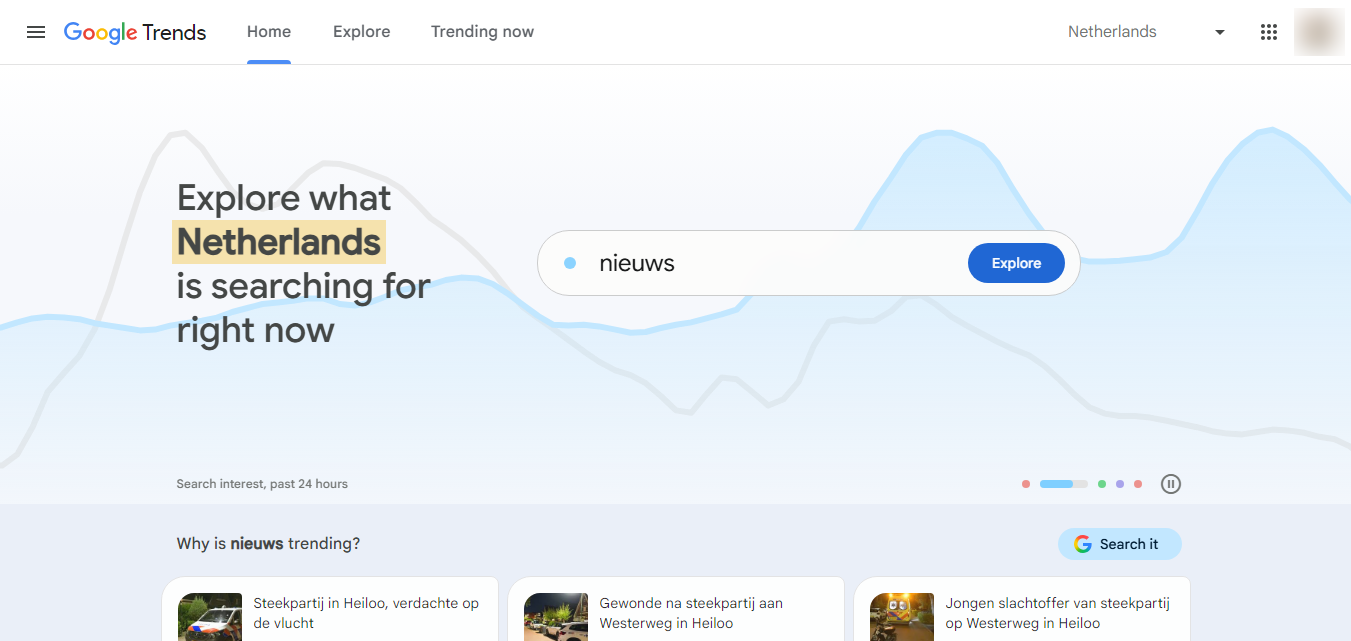
Google Trends helps you explore how interest in search terms changes over time. It can be useful when choosing topics for new content or deciding whether a particular subject is gaining or losing search interest.
You can compare multiple search terms, explore regional interest, and discover related topics and queries.
For content planning, Google Trends can help you understand whether a topic is consistently searched or whether interest is strongly influenced by a particular season or event.
Pricing: Free
Official Website:
https://pagespeed.web.dev/
Best For: Website speed and page performance analysis.
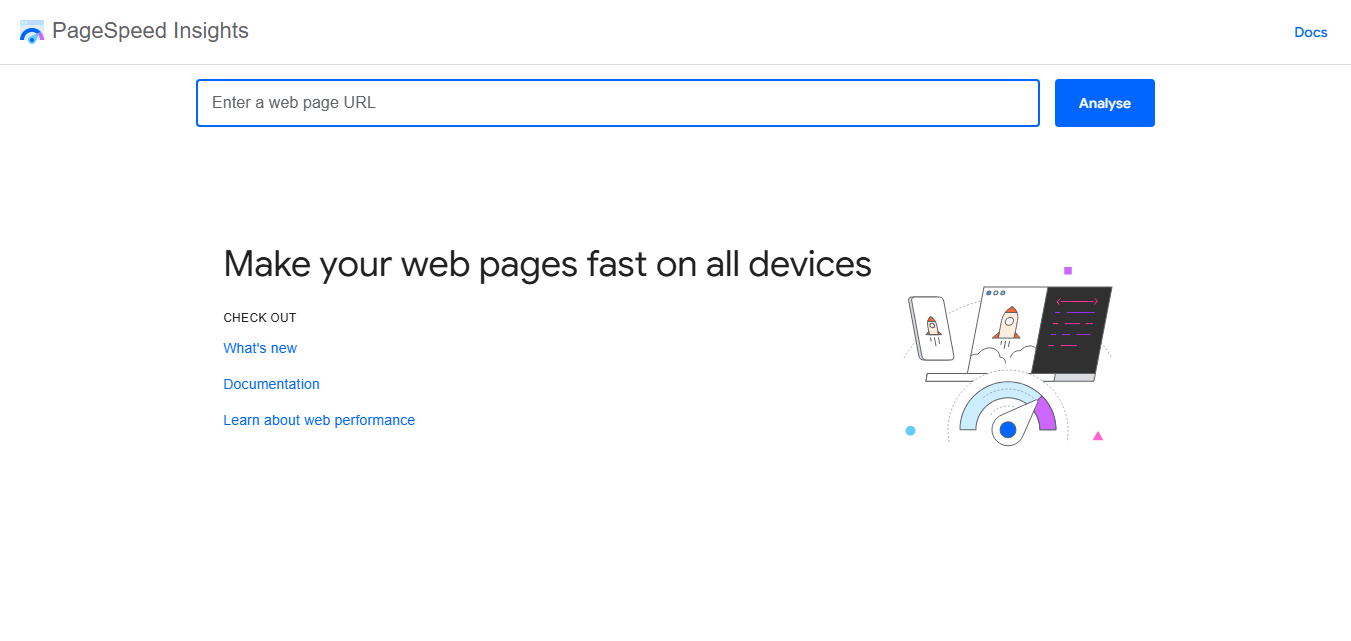
Google PageSpeed Insights helps you analyze the performance of individual web pages. It provides performance information and recommendations that can help you identify areas that may need optimization.
The tool is useful for checking both mobile and desktop page experiences. It can help you investigate issues related to loading performance and other technical factors that affect how quickly a page becomes usable.
PageSpeed Insights is particularly useful when optimizing images, scripts, stylesheets, and other resources that may affect page performance.
Pricing: Free
Official Website:
https://www.bing.com/webmasters/
Best For: Search performance, indexing, crawling, and SEO analysis.
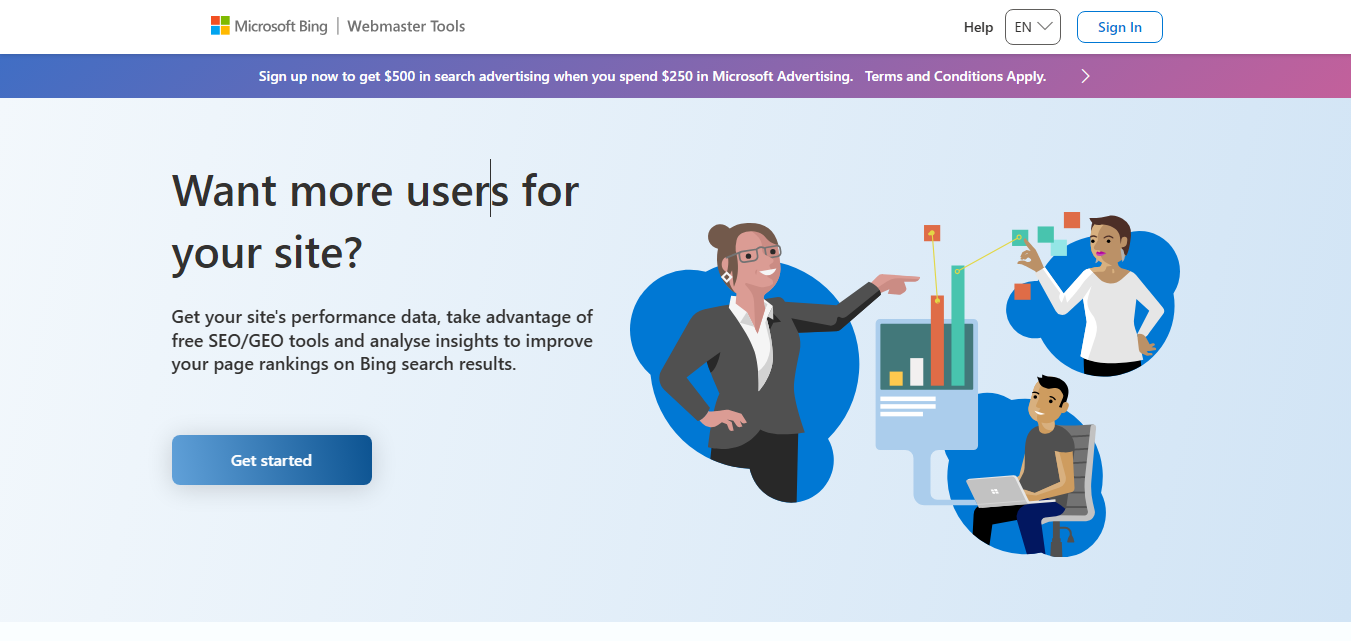
Bing Webmaster Tools provides website owners with information about how their websites perform in Bing Search. It includes tools for monitoring search traffic, checking indexing information, submitting sitemaps, and identifying certain SEO issues.
Even when Google is the primary search engine for your website, Bing Webmaster Tools can provide additional search visibility information and another way to monitor your site’s technical health.
Pricing: Free
Official Website:
https://ahrefs.com/webmaster-tools
Best For: Technical SEO audits and backlink analysis.
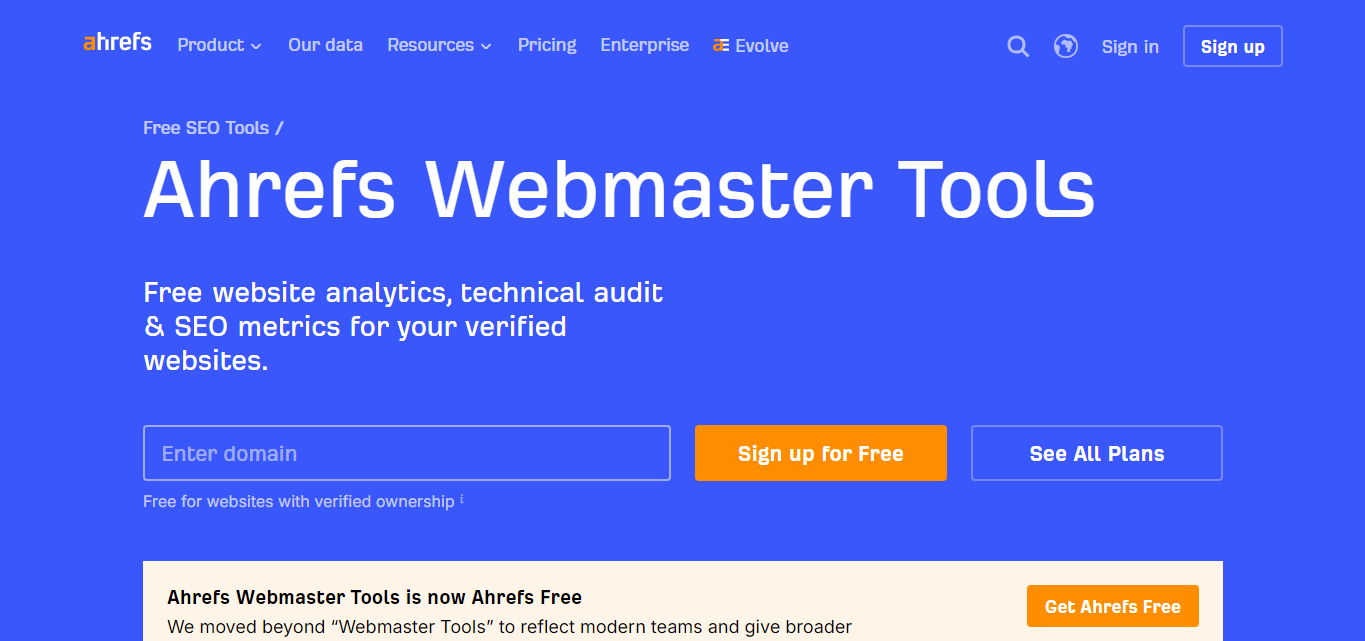
Ahrefs Webmaster Tools provides website owners with useful information about the technical health of their websites. After verifying ownership, you can crawl your site and review potential SEO issues.
The platform can also provide information about backlinks pointing to your website. This makes it useful for combining technical website analysis with backlink research.
Pricing: Free for verified websites
Official Website:
https://www.screamingfrog.co.uk/seo-spider/
Best For: Technical SEO crawling and detailed website analysis.
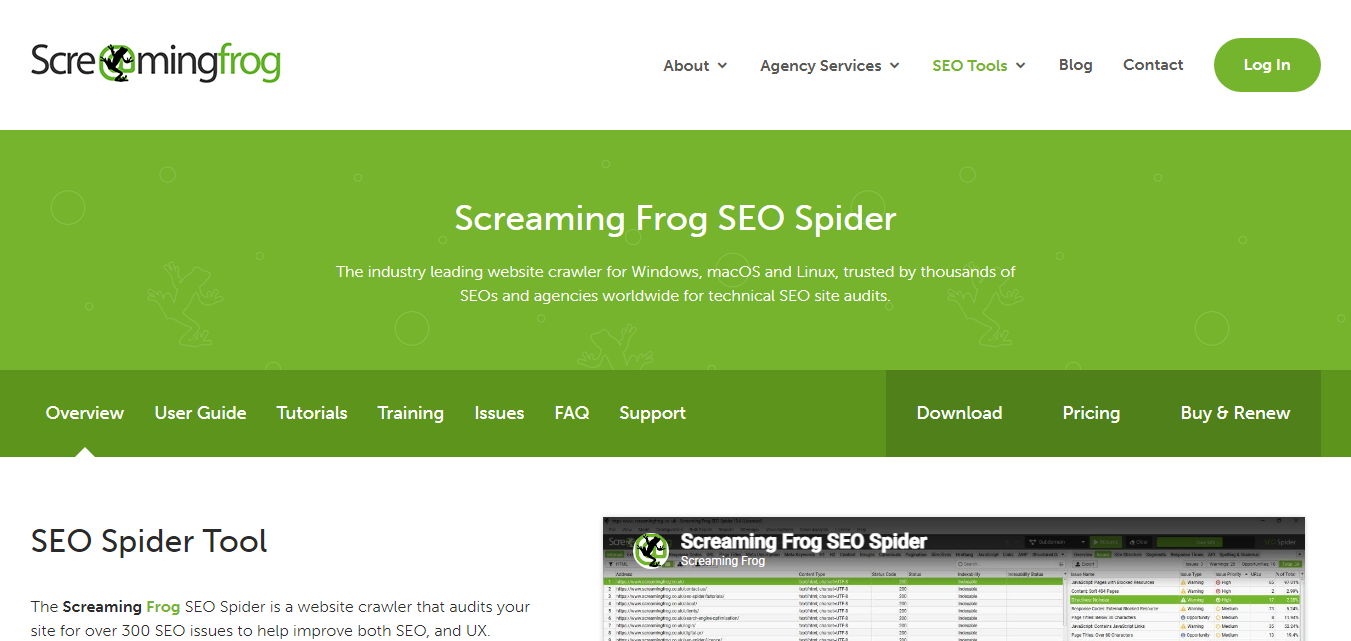
Screaming Frog SEO Spider is a desktop website crawler that can analyze many important elements of a website. It can crawl URLs and collect information about page titles, meta descriptions, headings, links, redirects, images, and other technical elements.
The free version can be useful for smaller websites, while larger websites and advanced users may benefit from the additional capabilities available in the paid version.
It is particularly useful when you need a detailed view of your website structure instead of checking individual pages manually.
Pricing: Free & Paid Plans
Official Website:
https://seominion.com/
Best For: Quick on-page SEO checks and everyday SEO tasks.
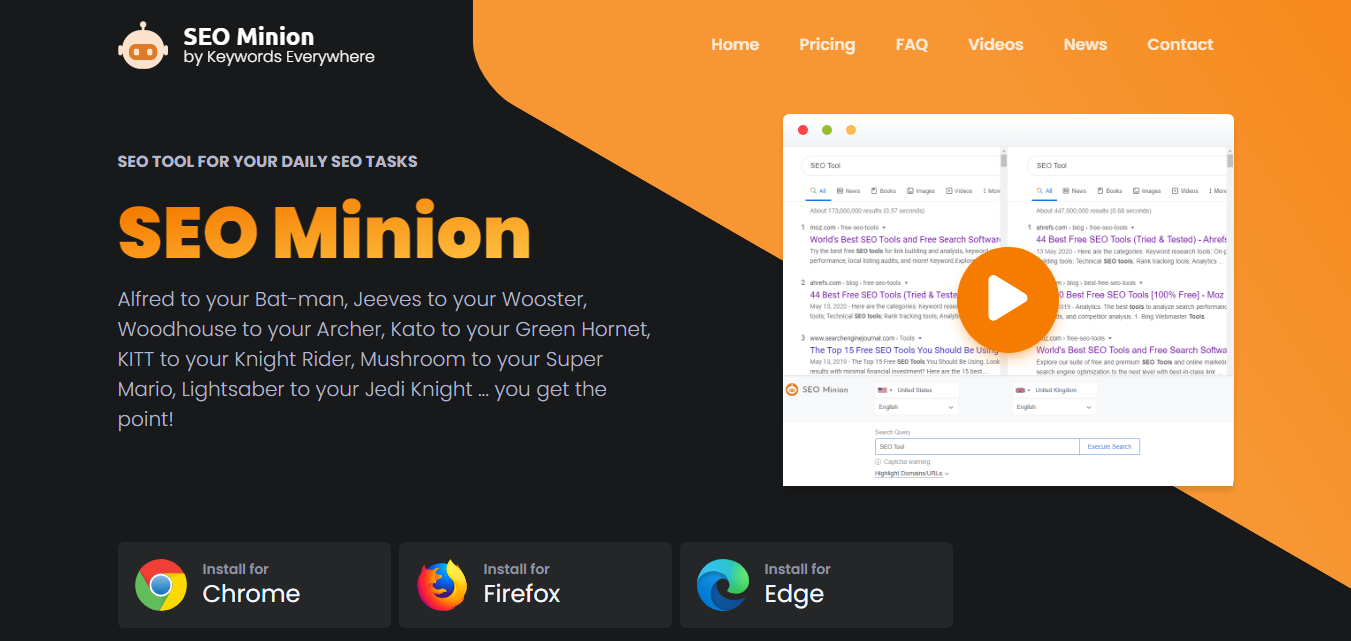
SEO Minion is a browser extension designed to help with several common SEO tasks. It can be useful when you want to inspect a page quickly without running a complete website crawl.
The extension can help analyze links, headings, metadata, and other page-level information. It can also be useful for checking redirects and reviewing how pages appear from an SEO perspective.
Pricing: Free
Official Website:
https://detailed.com/extension/
Best For: Quickly reviewing on-page SEO information.
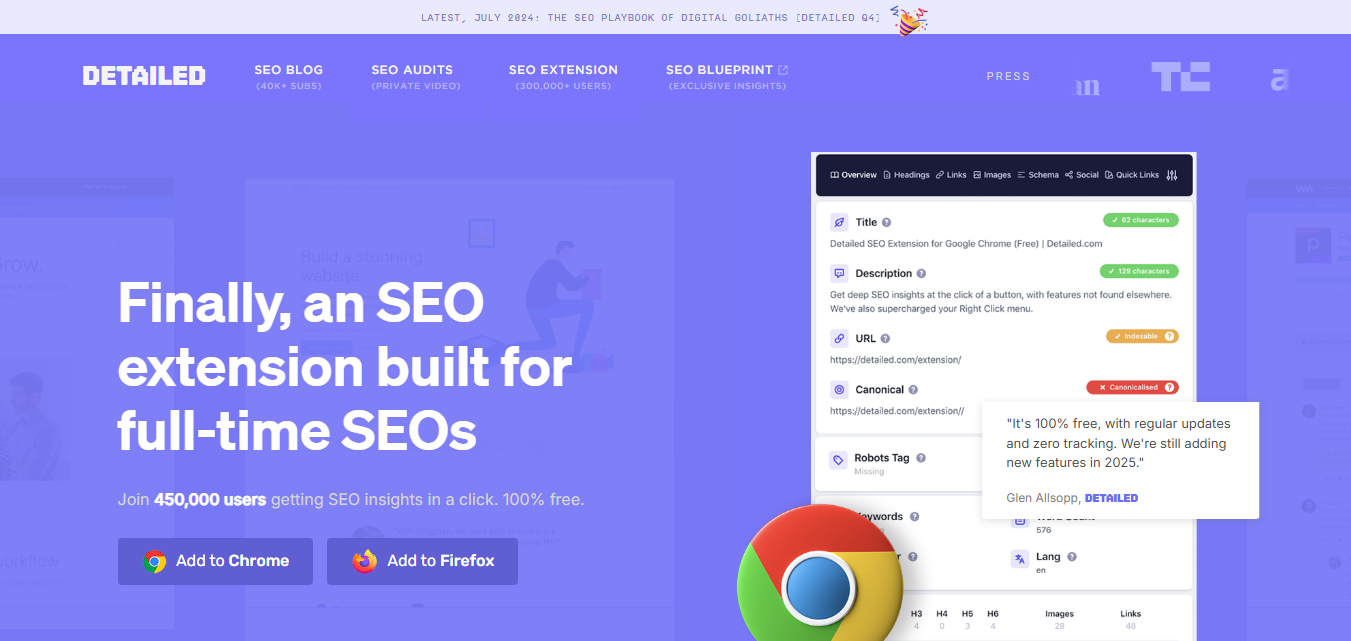
Detailed SEO Extension is a browser extension that provides a quick way to inspect important SEO information on a web page. Instead of viewing the page source or opening several browser tools, you can use the extension to review common SEO elements from the page.
It can be useful for checking page titles, meta descriptions, headings, canonical information, links, images, and other on-page elements while browsing.
Pricing: Free
There are many free SEO tools available, but each one is designed for a different purpose. Choosing the right tool depends on the problem you are trying to solve.
Using a small collection of complementary tools is often more useful than relying on one tool for every SEO task.
Official Website:
https://neilpatel.com/ubersuggest/
Best For: Keyword research, content ideas, and basic SEO analysis.
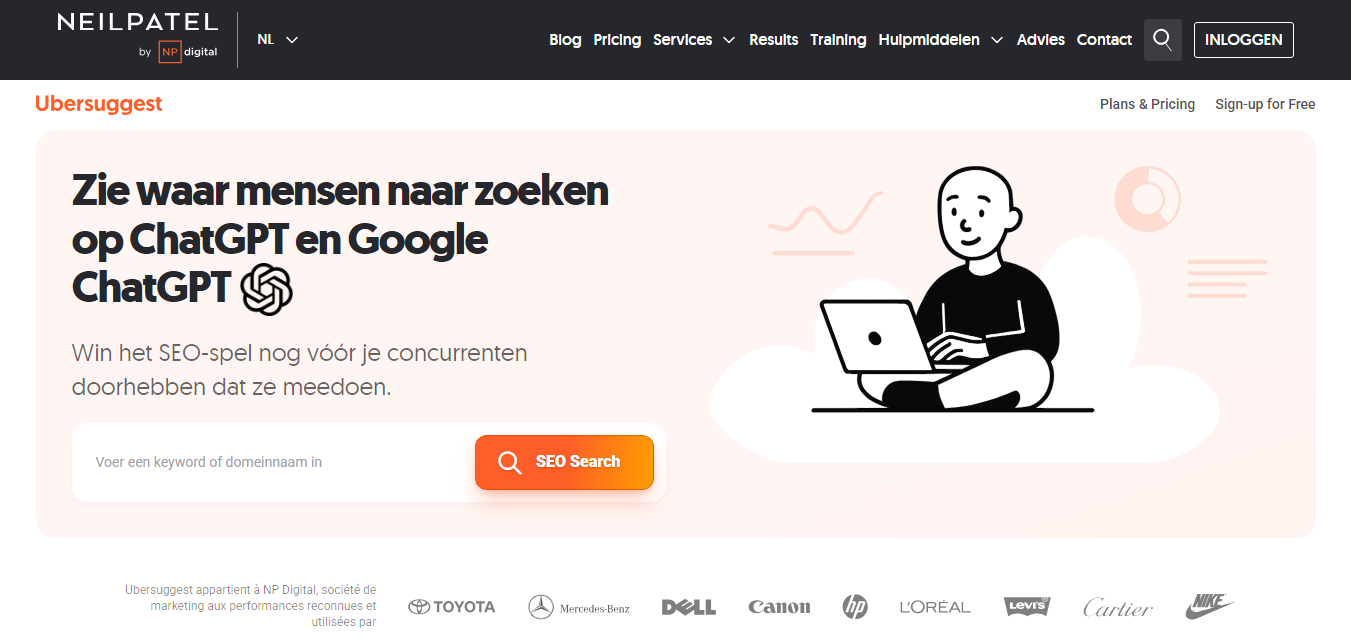
Ubersuggest is an SEO research platform that provides tools for discovering keyword ideas, analyzing search terms, researching content opportunities, and reviewing website SEO information.
It can be useful for beginners who want a simple way to explore keywords and understand potential opportunities before creating or optimizing content.
Pricing: Free & Paid Plans
Official Website:
https://answerthepublic.com/
Best For: Finding questions and content ideas around a topic.
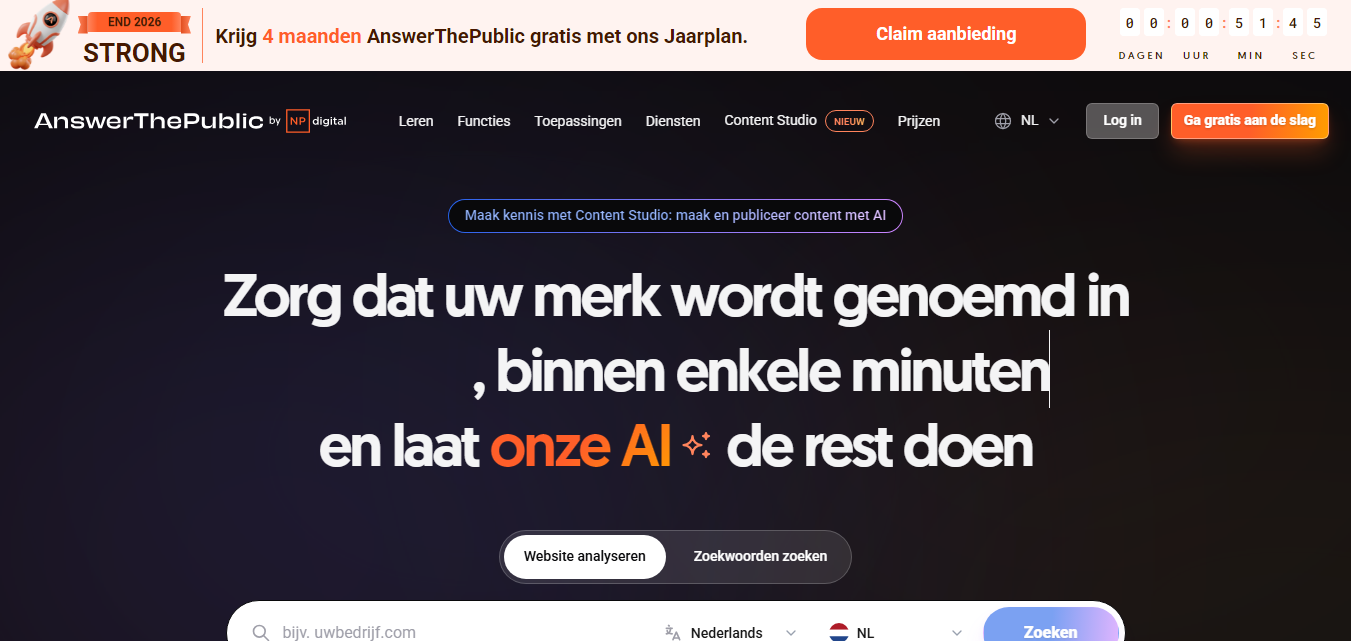
AnswerThePublic helps marketers and content creators discover questions, phrases, and topics that people search for around a particular keyword.
It can be useful during the content-planning stage because it provides ideas that can be turned into blog posts, FAQ sections, guides, and other useful resources.
Pricing: Free & Paid Plans
Official Website:
https://alsoasked.com/
Best For: Finding related questions and building content around search intent.
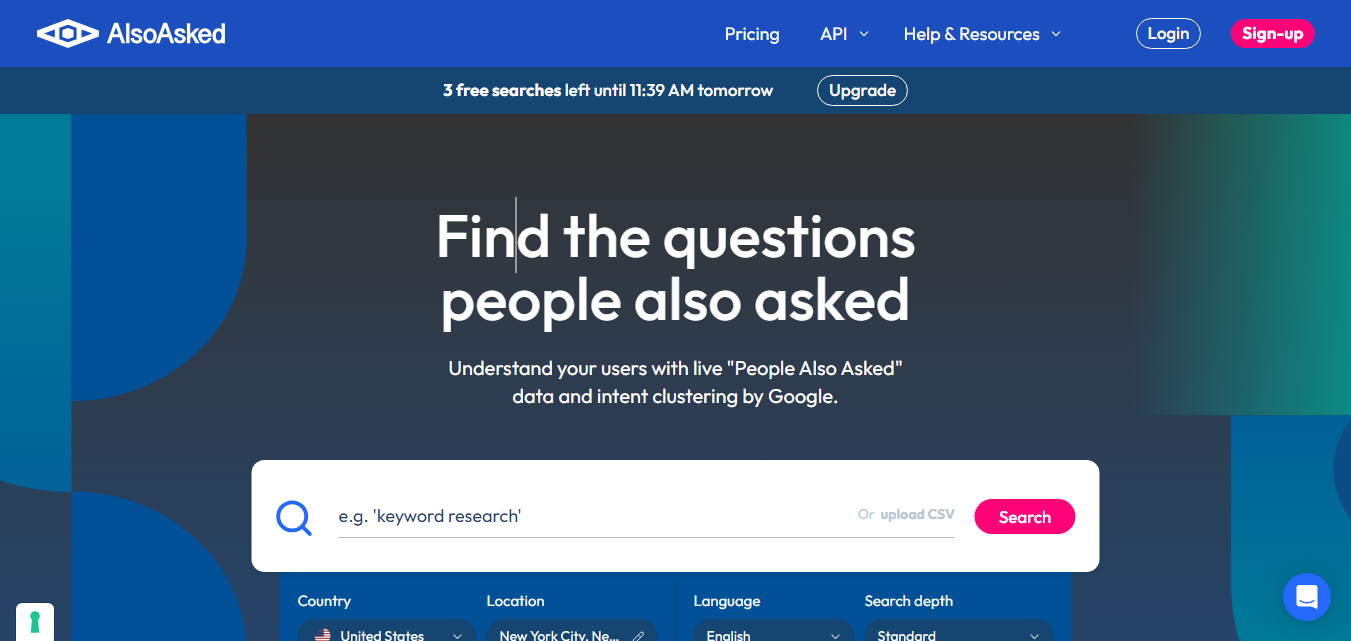
AlsoAsked helps users explore questions related to a particular search topic. It is based around the types of questions that appear in Google’s People Also Ask results.
This can be useful when planning comprehensive content because related questions can reveal additional subjects that users may want answered on the same page.
Pricing: Free & Paid Plans
Official Website:
https://www.seobility.net/
Best For: Website audits, on-page SEO, and technical SEO checks.
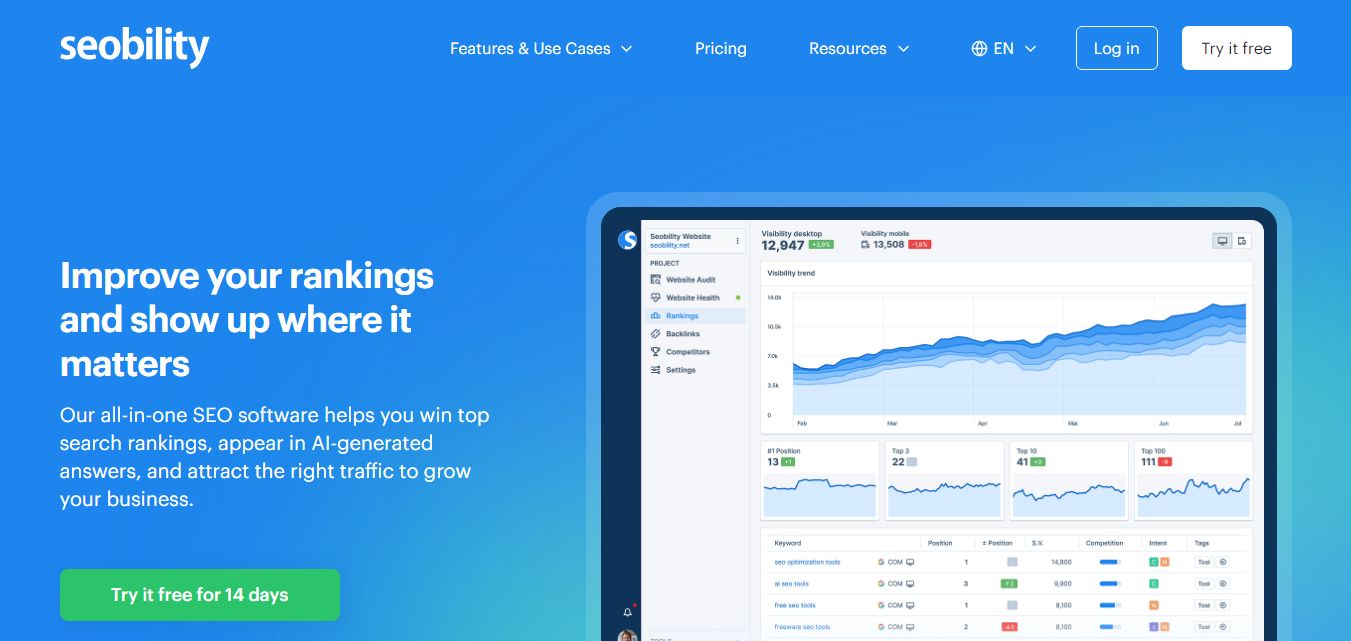
Seobility provides a collection of SEO tools for analyzing and monitoring websites. Its website auditing features can help identify technical and on-page SEO issues that may need attention.
The platform can be useful for website owners who want to regularly review important SEO factors without having to manually check every page.
Pricing: Free & Paid Plans
Official Website:
https://yoast.com/product/yoast-seo-wordpress/
Best For: On-page SEO and content optimization in WordPress.
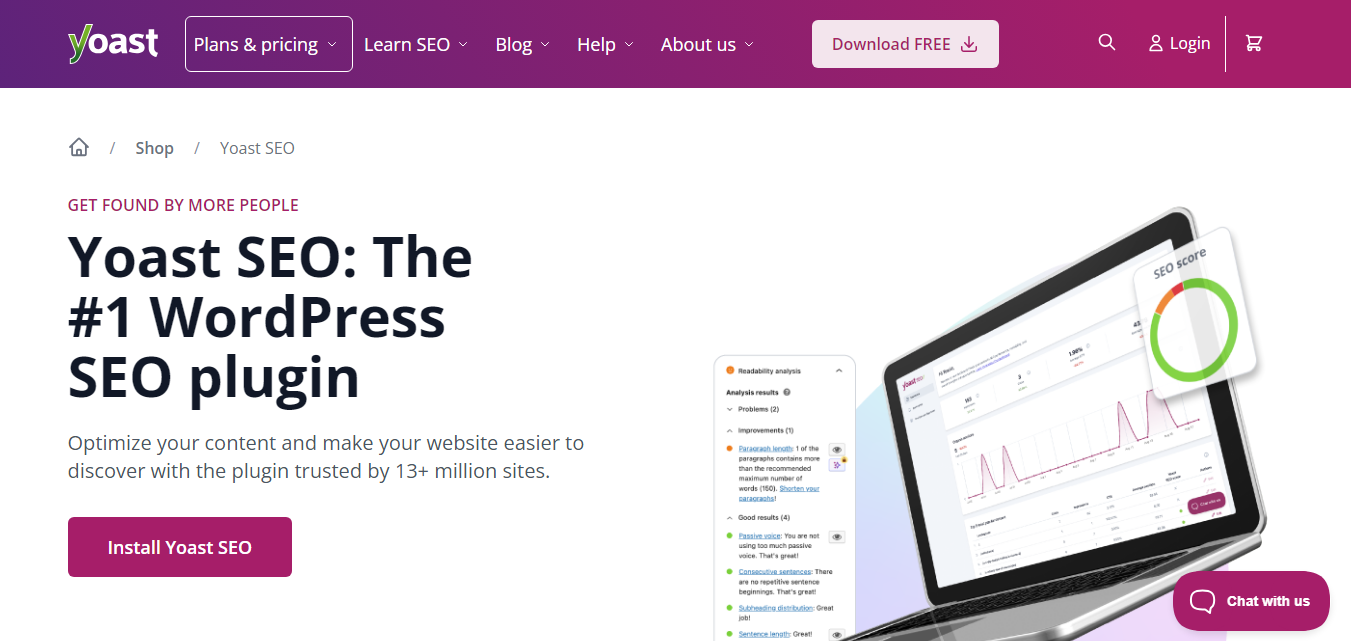
Yoast SEO is a popular WordPress SEO plugin that provides tools for optimizing content and managing important SEO settings. It can help users work with page titles, meta descriptions, XML sitemaps, canonical URLs, structured data, and other SEO features.
The plugin also provides content analysis features that can help writers review aspects of a page while creating or editing content.
Pricing: Free & Premium Plans
You don’t need to use every SEO tool listed in this article. Choosing a few tools based on your specific goals can make your SEO workflow much easier.
For most small websites, starting with Google Search Console, Google Analytics, Google Trends, PageSpeed Insights, and one technical SEO tool can provide a useful foundation.
A simple SEO workflow can help you use these tools more effectively instead of checking reports without taking action.
The goal is not to achieve a perfect score in every SEO tool. Instead, use the information from these tools to make practical improvements that benefit your visitors and your website.
Keyword research helps you understand the words and phrases people use when searching for information, products, or services. You can use free tools to discover related topics and build content around relevant search queries.
Google Keyword Planner is useful for discovering keyword ideas, while Google Trends can help you compare topics and understand changes in search interest.
For content-focused research, tools such as Ubersuggest, AnswerThePublic, and AlsoAsked can provide additional ideas and questions related to your main topic.
Remember that keyword volume is only one factor to consider. A useful keyword should also be relevant to your website and match what visitors expect to find.
Technical SEO involves making sure search engines can access, crawl, understand, and index your website properly.
Google Search Console is an important starting point because it provides information about indexing and search performance. Screaming Frog SEO Spider can provide a more detailed crawl of your website, while Ahrefs Webmaster Tools and Seobility can help identify technical SEO issues.
Browser extensions such as SEO Minion and Detailed SEO Extension can also be useful when you want to quickly inspect individual pages.
Website performance can affect how visitors experience your site. Slow-loading pages can make it harder for users to access content and complete important actions.
Google PageSpeed Insights is a useful starting point for checking individual pages. It provides performance information and recommendations that can help you investigate potential issues.
You can also use tools such as Lighthouse and WebPageTest when you need additional performance information or more detailed testing.
When optimizing performance, focus on practical improvements such as appropriately sizing images, reducing unnecessary resources, improving caching, and reviewing scripts that may delay page loading.
Good SEO content should be useful, clear, relevant, and created for the people who will read it. SEO tools can help with research and optimization, but they should not replace useful information or original insights.
Google Trends, AnswerThePublic, AlsoAsked, and Ubersuggest can help you discover topics and questions that may be useful when planning content.
If you use WordPress, Yoast SEO can help you manage important on-page SEO elements and review content while editing pages and posts.
Backlinks are links from other websites to your website. Reviewing your backlink profile can help you understand which websites are linking to your content.
Google Search Console provides backlink information for verified websites, while Ahrefs Webmaster Tools can provide additional backlink analysis for verified sites.
Backlink analysis should be used to understand your website’s link profile rather than focusing only on collecting as many links as possible. Relevant, useful, and natural links are generally more valuable than links created simply to increase numbers.
The right SEO tools depend on your website, your experience, and what you want to improve.
If you’re just getting started, begin with free tools that cover the most important areas of SEO. You can add more specialized tools when you have a specific need.
Instead of choosing a tool because it has the largest number of features, choose one that provides the information you actually need.
Google Search Console, Google Trends, Google PageSpeed Insights, Google Analytics, and Bing Webmaster Tools are good starting points. They cover search performance, trends, analytics, and website performance.
Yes. Many websites can make meaningful SEO improvements using free tools. Paid platforms can provide additional data and advanced features, but they are not required for every website.
Google Keyword Planner and Google Trends are useful starting points. Ubersuggest, AnswerThePublic, and AlsoAsked can provide additional keyword and topic ideas.
Google PageSpeed Insights is a useful free option for checking the performance of individual pages. Lighthouse and WebPageTest can also provide additional performance information.
Most SEO tools identify problems, provide data, or offer recommendations. They generally do not replace the work required to improve your website. You need to review the findings and make appropriate changes.
The ideal frequency depends on how often your website changes. Important websites can be monitored regularly, while smaller websites may perform detailed reviews every few months and after major changes.
No. A small collection of complementary tools is usually enough. Start with tools that cover search performance, keyword research, technical SEO, and website performance, then add specialized tools when necessary.
You don’t need a large collection of expensive software to start improving your website’s SEO. A handful of reliable free tools can provide useful information about search visibility, keywords, technical issues, website performance, content, and backlinks.
Start with the areas that matter most to your website. Use search tools to understand your audience, technical tools to find problems, performance tools to improve the user experience, and content tools to discover useful topics.
Most importantly, don’t focus only on scores and reports. Use SEO tools as a source of information and combine their findings with your own understanding of your audience and website.
With a simple and consistent SEO workflow, free tools can help you identify opportunities, fix problems, and gradually improve your website’s search visibility.
Explore more articles on web design, development and SEO.
Explore top startup directories where you can list and promote your business, reach new audiences,…
Read Article
Explore powerful website audit tools to analyze SEO, page speed, broken links, technical issues, mobile…
Read Article
Discover the best free online tools for productivity, design, SEO, writing, development, marketing, file conversion,…
Read Article